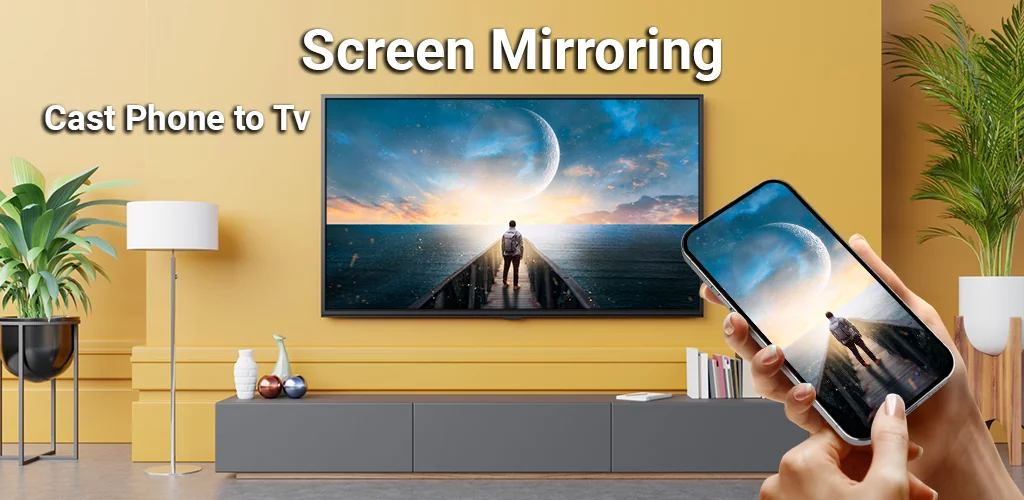
What is Smart TV Cast: Screen Share?
Most apps promise a bigger view, but often deliver laggy connections or complicated setups. We’ve all squinted at a tiny phone screen, wishing our favorite shows, photos, or even important presentations could just jump onto the TV. Smart TV Cast: Screen Share understands this frustration, offering a genuinely simple path to a larger display.
Remember those times you struggled to share a funny video with everyone crowded around your phone? Or maybe you needed to show a presentation without fumbling with cables. This app cuts through that hassle. It provides a straightforward way to mirror your smartphone onto a TV screen, transforming your viewing experience. Unlike many generic casting tools that require deep technical dives, Smart TV Cast: Screen Share simplifies the process. Just ensure both devices are on the same Wi-Fi, enable wireless display on your phone, and tap to connect.
I found myself using it for everything from casual movie nights with friends to quickly showing off vacation photos. The connection felt surprisingly stable, streaming content at real-time speed. Imagine playing your mobile games on a massive display – quite a difference, right? Where other apps might limit you to specific media types, this one handles a wide array: videos, music, photos, even documents. It’s not just for entertainment; think about those impromptu business meetings or family video calls where everyone needs a clear view. Protecting your data during the cast is another thoughtful touch.
What stands out:
- One-Click Connection → Quickly link your phone to the TV with minimal fuss.
- Broad Media Support → Cast videos, photos, music, and documents without compatibility worries.
- Multi-Device Compatibility → Works across various smart TVs, including Chromecast and Fire TV.
- Real-Time Streaming → Enjoy smooth, lag-free mirroring for all your content.
Stop straining your eyes on a small screen. Get Smart TV Cast: Screen Share and enjoy all your mobile content on the big screen, effortlessly.




Share your experience with other users.