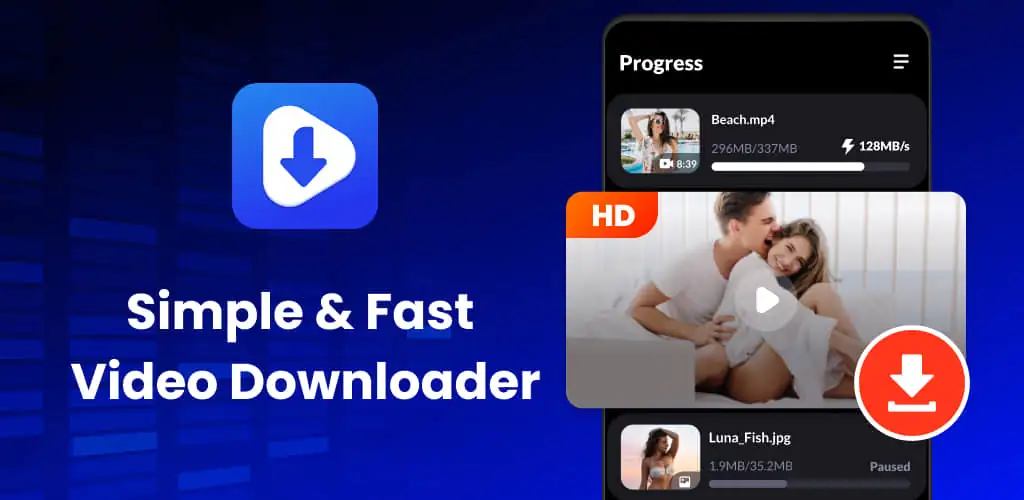
Video Downloader - HD & Easy app cover art for Android
Video Downloader - HD & Easy Icon

Video Downloader - HD & Easy APK for Android

360 Tool Original
Also known as: Video Downloader - HD & Easy
41M+
Free
Nov 24, 2026

Download any video format, then watch it instantly in one app

Download Video Downloader - HD & Easy APK 1.5.6 30MB

What is Video Downloader?

Most download tools make you juggle a separate app just to actually watch what you grabbed. This one skips that step. Video Downloader – HD & Easy is a video downloader and player that pulls files straight off the web and plays them back without handing you off anywhere else.

The surprise here is how little friction sits between tapping download and hitting play. The app pulls in MKV, MP4, MOV and five other formats, and multi-thread downloading keeps the queue moving instead of crawling through one file at a time. Playback holds up at 4K and 1080P without the stutter you sometimes get on cheaper players, and downloads keep running in the background so you can switch apps mid-grab without losing progress.

The highlights:

  • Download speeds stay quick thanks to multi-thread downloading, so a queue of clips doesn't crawl.
  • Private folders are locked behind a password, keeping personal videos out of your main gallery.
  • Background downloading and background playback mean you can switch apps without killing the job.
  • A-B repeat and looping mode make rewatching one scene or song section simple.
  • A built-in sleep timer shuts playback off on its own.

gesture controls and screen lock for video playback

Swipe gestures handle volume and brightness without hunting for on-screen sliders, which matters once you're watching in the dark and don't want a bright menu popping up. Screen lock stops stray taps from pausing or skipping mid-video, a small thing that saves real annoyance during a long watch. Local video files on the phone get auto-detected too, so the app doubles as a player for stuff you never downloaded through it.

other video downloader apps

Most video downloader apps split the job: one tool grabs the file, another plays it, and you're left importing between the two. Here, downloading and playback sit in one app, with private folders and background downloads layered on top. Anyone who wants a single tool for grabbing and watching, rather than stitching two apps together, is the one this setup suits.

This fits anyone who wants one app for grabbing clips and watching them, especially if hiding certain videos behind a password matters. The app runs free and carries ads, so expect the occasional interruption between downloads.

Video Downloader - HD & Easy screenshot 1
Video Downloader - HD & Easy screenshot 2
Video Downloader - HD & Easy screenshot 3
Video Downloader - HD & Easy screenshot 4
Video Downloader - HD & Easy screenshot 5
Video Downloader - HD & Easy screenshot 6

Video Downloader APK Download

What's New in Version 1.5.6

No official changelog provided for Video Downloader - HD & Easy version 1.5.6. This update likely includes general stability improvements and bug fixes.

Download Links:

System Requirements

OS Version
Android 7.0 (Nougat) or higher
Architecture
Varies by file (Which one do I need?)
Disk Space
~40 MB free space required
RAM
1 GB
Internet
Not required
Google Services
Required   GMS dependent

APK File Details

Package ID videodownloader.downloader.videoplayer
Available on Google Play
Developer 360 Tool
License Free
Monetization Contains Ads  
Content Rating Everyone
Required Permissions (21)
  • Requires Google Play Services to launch:
    Note: This is an original file. Unlike modded versions with no verification, it validates via your store account. Details
  • Internet
  • Access Network State
  • Read External Storage
  • Write External Storage
  • Vibrate

APK Verification & Virus Scan Results

Scan In Queue Signature Verified Safe & unmodified

Full antivirus scan in queue; report will appear here shortly. Signature matches the official developer release.

Show File Details (SHA-256, SHA-1, MD5)

SHA-1 Signature:

8ea4172a810cf60ed3728450e94da85a4894af87

SHA-256 Hash:

0bf8f552b0c7993141231588c00f08ec19b7f66619b95ad06ce9adbccfe1d47b

MD5 Checksum:

8f42be0b4ee8ce35d33f63eab0c6bf62

Frequently Asked Questions

Is Video Downloader safe to download?

Video Downloader has passed a basic integrity check. A full antivirus scan is pending. You can check the current scan status in the Security section above.

How to install XAPK file?

XAPK is a split APK package. Standard Android installer cannot open it directly. Use 'SAI' or 'XAPK Installer' — they handle XAPK files automatically. Download the installer, open the XAPK file with it, and follow the on-screen steps. Read more

What Android version does Video Downloader require?

Video Downloader requires Android 7.0 (API 24) or higher. Optimized for Android 16 (API 36).

Is Video Downloader free?

Yes, it is free to use, but it is ad-supported.

Does Video Downloader require a license check?

Yes, this app performs a license check. You may need to have the Google Play Store installed and be logged in to verify the license.

How to update Video Downloader to the latest version?

Download the latest APK from this page and install it over your existing version — no need to uninstall first. Your data and settings will be preserved. We update the file as soon as a new version is released.

What processor architecture does Video Downloader support?

Video Downloader supports arm64-v8a. This build does not support x86/x86_64 processors, so it will not run on most PC emulators. If you are unsure about your device architecture, check the Device Info section on this page.

Found a problem on this page?

User Reviews & Ratings

Global rating (Play Store): 4.58★ (186.8K)
Site Rating: 5★ (1)
Rate this app

5.00

12345

1

Share your experience with other users.

Download Video Downloader APK - Latest version

Get the official APK file for your Android device. Fast, safe, and free. Download APK