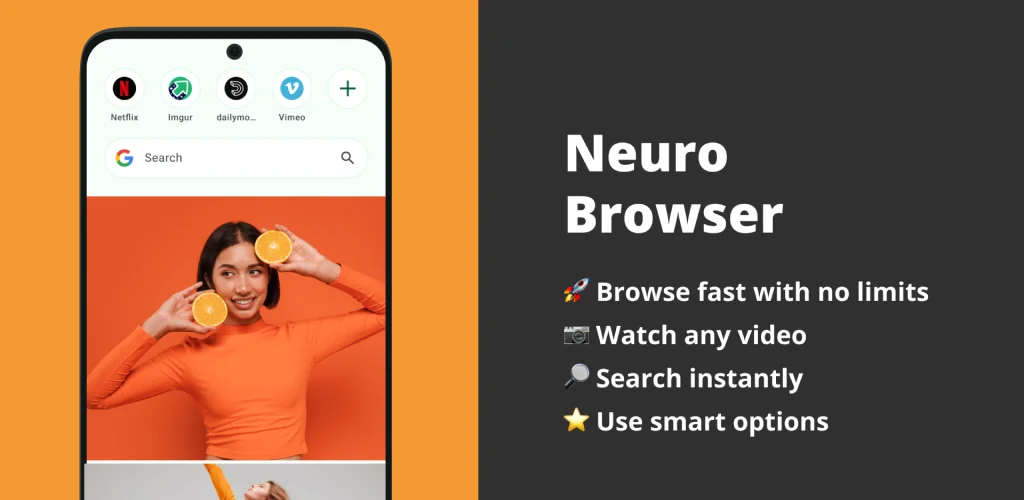

What is Video Browser?
Video Browser is a lightweight mobile browser built around one habit a lot of people already have: watching a video mid-scroll and wanting to keep it. It pairs a fast page-loading engine with a saver that pulls video straight off the page you're on, so browsing and downloading happen in the same app instead of two.
Pages load through what the developer calls a lite engine, meant to keep the install small and memory use low even on older hardware. Tabs open and close the way a normal mobile browser handles them, with a manager that lets you flip between several open pages and pull up saved bookmarks in one tap. Search sits in the address bar itself, offering suggestions as you type and letting you swap between search engines rather than being locked to one. Everything you save, video or file, lands in a built-in download manager that shows progress and lets you pause a transfer and pick it up later instead of starting over.
Key Features:
- The video saver pulls clips straight off web pages and lets you pick HD, standard, or compact quality before saving
- A built-in video player plays saved clips with no internet connection needed
- The turbo speed browser engine keeps the app small and low on memory so pages load fast even on weaker connections
- A multi tab manager lets you switch between open pages and organize bookmarks for one-tap access
- The download manager tracks progress on every saved file and supports pause and resume
- Night mode switches the interface to a darker palette for reading after dark
Saving and watching videos offline
The video saver works while you browse rather than through a separate download screen: spot a clip, tap to save it, choose a quality, and it drops into the file manager. Picking compact size keeps file sizes down on a limited data plan, while HD suits anything worth rewatching later. The built-in player then handles playback without touching the network again, which matters most on a commute or anywhere signal drops in and out. Saved videos, browsing history, and bookmarks all sit inside the same app instead of scattering across a gallery app and a separate downloader.
Browsers like Video Browser
UC Browser leans into social feeds and news content bundled around the browsing itself, which makes it heavier and busier than Video Browser's stripped-down layout. Opera Mini takes a different route, compressing pages hard through server-side processing to save data on very slow connections, a job Video Browser doesn't attempt. Anyone who wants a browser that just loads pages and grabs video without extra noise sits closer to what Video Browser is built for.
Video Browser fits someone who watches a lot of video on the open web and wants to keep it without a second app. It has no built-in support for the advanced privacy tools or extension libraries that dedicated privacy browsers carry, so it stays a straightforward browsing and saving tool rather than a security-first one.




Share your experience with other users.