
What is Camera for Android?
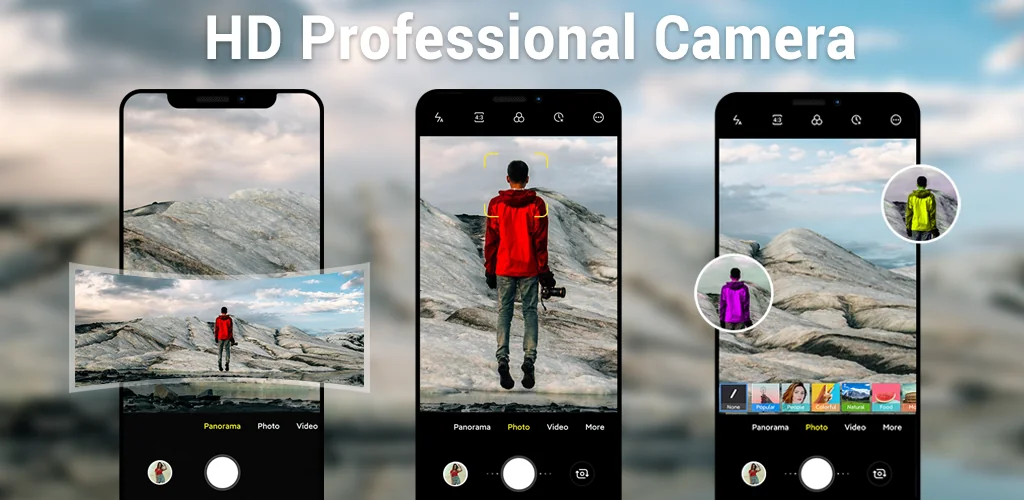
Need a camera that just works without the bloat? Camera for Android is a photography camera app built from Android's native code, giving you manual controls and three capture modes without the lag or clutter most replacements carry.
You open it, frame the shot, adjust exposure or white balance if the light's tricky, and capture. The interface adapts to your screen size, so controls land where your thumb expects them. Pinch to zoom, set a timer when you need both hands free, or switch to panorama when the scene's too wide for one frame. It runs lean because it uses your device's hardware directly rather than layering effects on top.
Key Features:
- Three shooting modes deliver camera, video recorder, and panorama in one interface
- White balance presets (Incandescent, Fluorescent, Daylight, Cloudy) handle mixed lighting without guessing
- Exposure control lets you darken a blown-out sky or lift shadows in real time
- Volume keys trigger the shutter or start recording, so you're not hunting for an on-screen button
- The interface scales to your device's form factor, placing controls within reach on phones and tablets
Manual settings and scene modes
Beyond the basics, you get four scene modes: Action, Night, Sunset, and Play. Each one tunes shutter speed, ISO, and processing for its context. Action freezes motion, Night pulls detail from low light, and Sunset keeps warm tones intact. Location tagging embeds GPS data when you want a record of where you shot, and wide-screen framing fills the sensor edge to edge.
Other camera utility apps
Open Camera goes further into manual territory with focus peaking and exposure bracketing for users chasing technical precision. Google Camera leans on computational photography, layering HDR+ and Night Sight processing over the hardware. Camera for Android sits between them: more control than your stock camera, less processing overhead than AI-heavy alternatives. It's practical for users who want adjustments without a learning curve.
This suits anyone replacing a sluggish default camera or hunting for manual controls on a device that shipped without them. The tradeoff: ads run between captures, and in-app purchases remove them starting at $2.99.




Share your experience with other users.