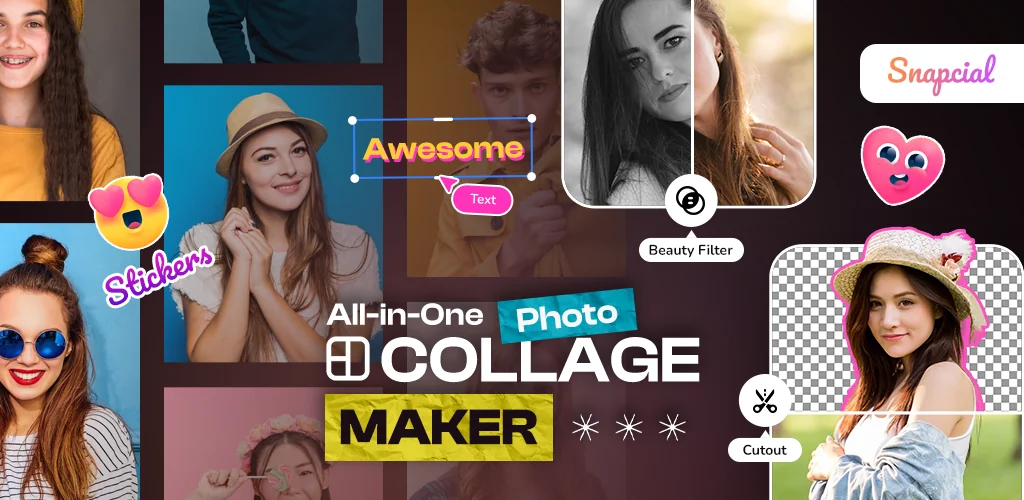

What is Photo Collage?
Photo Collage - Collage Maker is a photo collage maker for anyone who wants to turn a folder of random pictures into something worth posting. You pick your photos, drop them into a layout, and the app handles the fiddly parts: borders, spacing, filters.
The core setup is straightforward. Select up to 20 images, choose a grid or go freestyle, and start arranging. Before you lock in the collage, you can crop, rotate, adjust brightness, or run a filter over any single photo. Want to add a caption or a sticker for a laugh? That happens in the same screen, so you're not bouncing between three different apps just to finish one collage. Once it looks right, you export it in whatever aspect ratio your platform of choice actually wants.
Key Features:
- Build a single collage from 20 images using flexible grid layouts.
- Clean up each shot first with a built-in editor for cropping, rotating, and applying filters.
- Turn any collage into a meme with stickers, captions, and effects layered on top.
- Export finished designs in HD across multiple aspect ratios for social posts or printing.
freestyle collage maker mode
Grid layouts keep things tidy, but the freestyle mode is where the app gets interesting. You drag each photo wherever you want, overlap them, rotate them, and end up with something closer to a scrapbook page than a template. If structure is more your thing, the layout tools snap everything back into neat rows and columns instead. Switching between the two just depends on whether you're making something quick for a story post or something you'd actually want printed.
Other photo collage maker apps
Picsart covers similar ground but leans into AI editing tools and a huge library of community assets, which makes it feel more like a full creative suite than a quick collage tool. Canva goes further still, built around professional templates for presentations and print work rather than casual photo dumps. Photo Collage - Collage Maker stays narrower by comparison: its whole layout sits around the freestyle and grid collage tools, so there's less to dig through if all you want is to slap some photos together and share them.
This suits people who want a fast way to organize photos for a group chat, a birthday post, or a quick meme, not a full design studio. It carries ads and gates some content behind in-app purchases, and the listing carries a Mature 17+ rating.




Share your experience with other users.