What is Doc Reader: Editor, Scanner?
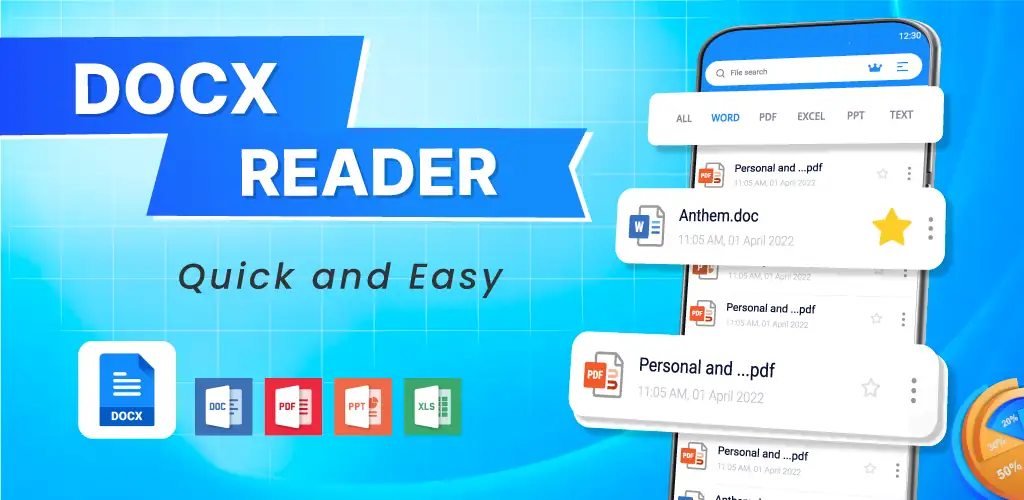
Doc Reader: Editor, Scanner is a document viewer and office productivity suite that opens Word, Excel, PDF and PowerPoint files, then doubles as a scanner and an ebook reader so you're not switching between five different apps. You finish reviewing a spreadsheet, then jump straight into a novel on the same screen. That combo is what caught your attention first.
The app works offline, which matters more than it sounds like. You can pull files from internal memory, an SD card, or Drive storage, open them without signal, and keep reading on a train or a flight. Scanning works the same way: point the camera at an ID card or a stack of papers and it spits out a clean PDF or PNG, no internet needed. Is that enough to replace a dedicated scanner app? For quick jobs, it holds up fine.
What stands out:
- The built-in reader opens EPUB files, including romance, rebirth and life-experience novels, right next to your work documents.
- The scanner exports scans as high-quality PDF or PNG files, including ID cards.
- File support stretches across 15 file formats, from DOCX and XLSX to ZIP and RTF.
- Mark anything a Favorite so you don't dig through folders twice for the same file.
- Files pull in from internal storage, an SD card, or Drive without extra setup.
offline document reader for android
Viewing options stay simple: switch between horizontal and vertical layouts, zoom in on dense text, and the interface stays readable whether you're checking a contract or a chapter. Sorting works by time, name or size, and you can rename, delete or share a file straight from the list. None of it needs a tutorial.
Other document reader and editor apps
Most office apps split reading and editing into separate downloads, one for documents and another for ebooks. Doc Reader: Editor, Scanner keeps the EPUB reader sitting next to the document viewer so you're not downloading a second app just for novels. Pick a dedicated suite if you need deep document editing, and pick this one if reading and scanning on the same app sounds more useful than switching.
This suits students and office workers who want one app for reports, scans and casual reading, rather than a stack of single-purpose tools. The catch worth knowing before you install: ads show up and some features sit behind in-app purchases, so a few tools aren't free.



Share your experience with other users.