
What is spacedesk?
Ever wished you had a second screen for your Windows PC, but didn’t want the hassle of buying another monitor? What if you could turn your Android tablet or phone into a fully functional extension of your desktop? That’s exactly what spacedesk - USB Display for PC lets you do!
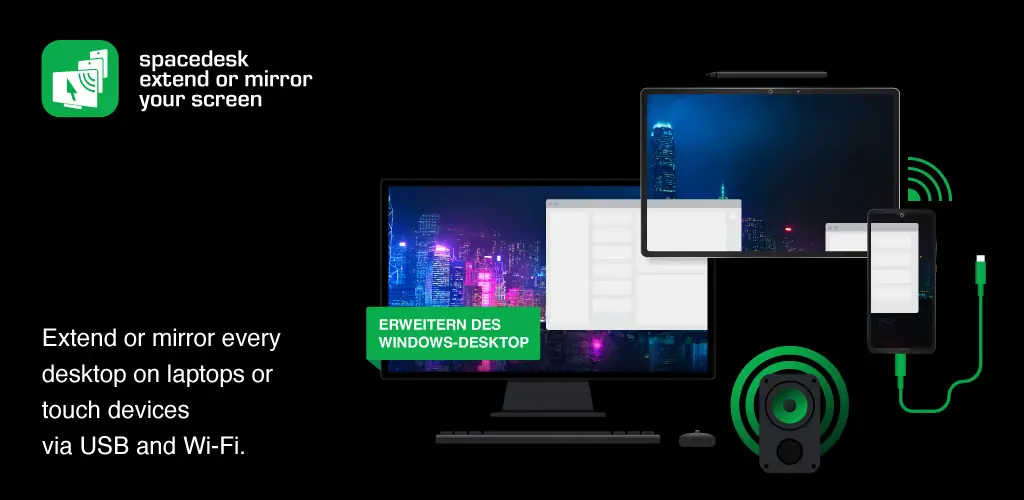
spacedesk - USB Display for PC is a clever tool that turns your Android device into a secondary display for your Windows computer. Think of it as a portable, on-the-go monitor! Whether you want to mirror your screen, extend your desktop for extra workspace, or even use your tablet as a drawing pad with a stylus, spacedesk - USB Display for PC makes it simple.
How does it work? Easy! You install the spacedesk - USB Display for PC driver on your Windows PC (it works with Windows 11, 10, and 8.1) and then install the spacedesk - USB Display for PC app on your Android device. Connect them via USB, your local Wi-Fi network (LAN), and boom – instant second screen! No internet connection needed, just a local network.
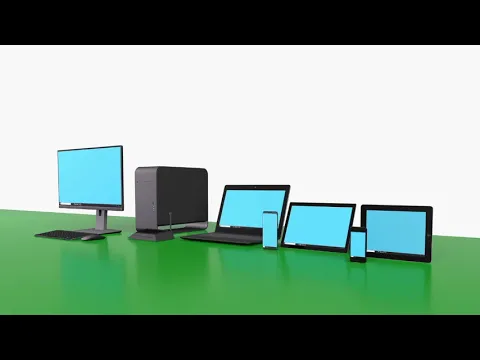
spacedesk - USB Display for PC offers a ton of cool features. You can use it as a wireless display (like Miracast or AirPlay), a remote desktop viewer, or even a graphics tablet for drawing. Plus, it supports touch input, keyboard, mouse, and even audio! Need to give a presentation? Mirror your screen to your tablet and control it from across the room. Want a creative video wall? You can do that too!
For the best, lag-free experience, connect via USB or LAN. Using Wi-Fi is an option, but a wired connection will give you the smoothest performance.
Ready to boost your productivity and get more out of your devices? Download spacedesk - USB Display for PC and turn your Android tablet or phone into a powerful extension of your Windows PC! It’s like getting a second monitor without the extra cost and clutter. Give it a try and see what you’ve been missing!



Share your experience with other users.