
What is ScreenStream?
Ever needed to show someone exactly what’s on your phone screen, live, without them being in the same room? Imagine you’re trying to walk your parents through a new app, or maybe you’re giving a quick presentation from your device. Fumbling with cables or blurry video calls just doesn’t cut it. That’s where ScreenStream steps in, turning your Android device into a powerful, wireless broadcasting station.
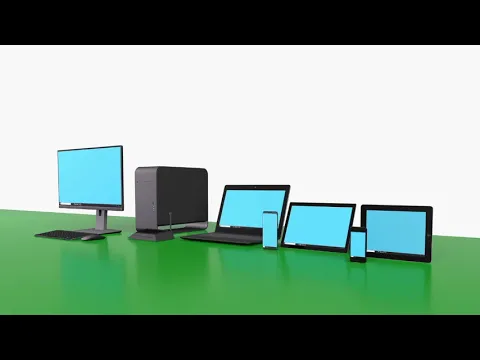
This app lets you stream your screen and audio directly to any modern web browser or compatible client. Honestly, the lack of wires or extra software for viewers is a huge relief. You can share your entire screen, microphone audio, and even your device’s internal sound. It’s incredibly versatile, perfect for secure, encrypted worldwide streams or quick local shares over Wi-Fi.
Need to troubleshoot a friend’s phone remotely? Or perhaps teaching a class from your mobile? ScreenStream handles it. The Global (WebRTC) mode offers end-to-end encryption with a password, perfect for sensitive content. For quick local shares, the Local (MJPEG) mode sets up an instant HTTP stream on your Wi-Fi, no internet required. It even supports advanced RTSP streaming for specific setups, connecting to clients like VLC.
Here’s what you get:
- Wireless Screen & Audio Share: Broadcast your Android screen, mic, and device audio directly to browsers.
- Global WebRTC Streaming: Secure, encrypted, password-protected sharing to anyone, anywhere.
- Local Network Mirroring: Instant HTTP stream over Wi-Fi/hotspot, even offline, for quick nearby viewing.
- No Viewer Software Needed: Friends or colleagues just open a web browser to watch your live stream.
Don’t get stuck explaining things over the phone or sending endless screenshots. Grab ScreenStream and start showing, not just telling. You’ll wonder how you managed without it!




Share your experience with other users.