What is PDF Scanner app?
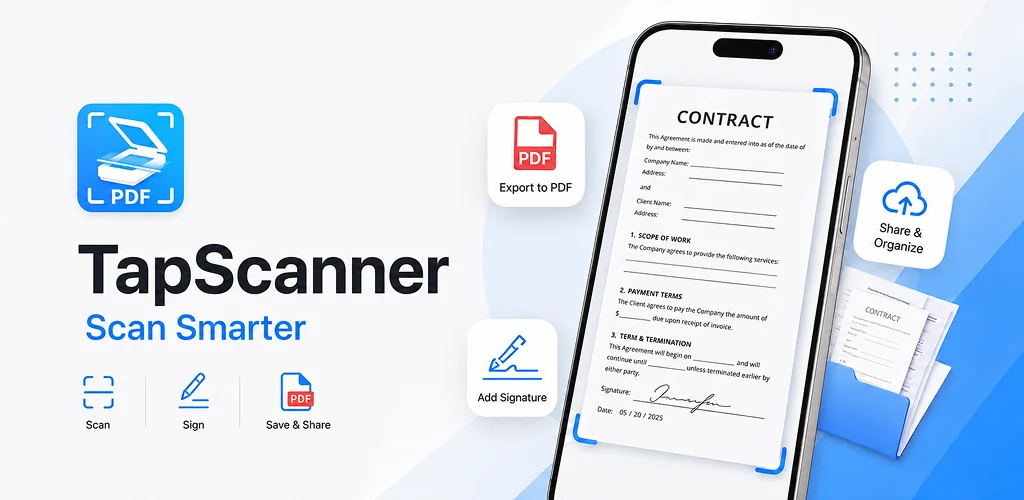
PDF Scanner app - TapScanner is a document scanner and PDF editor that turns a phone camera into a portable scanning station. It captures receipts, contracts, and business cards, then cleans them up into files sharp enough to pass for a real scanner's output.
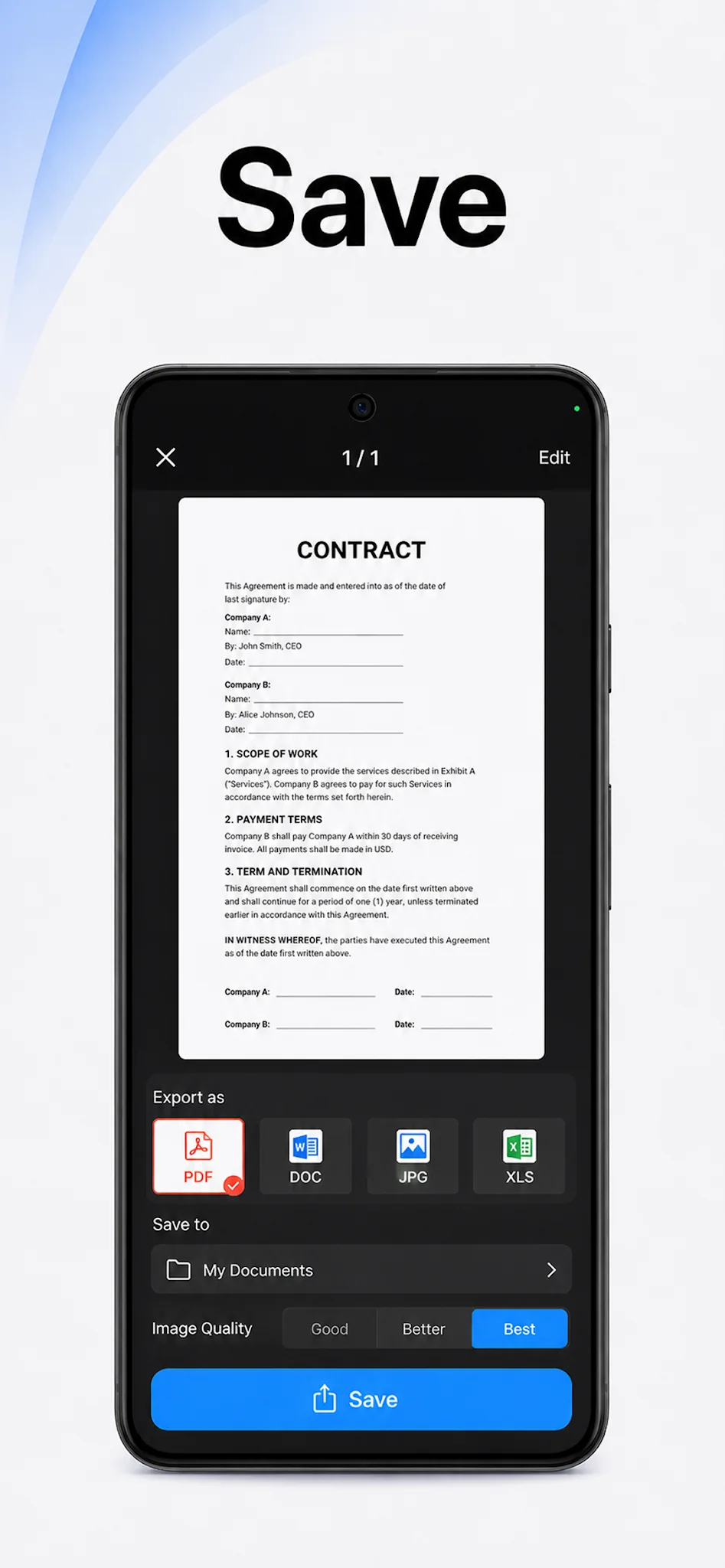
The app works by pointing the camera at a page and letting automatic edge detection find the document's borders on its own. Once captured, images can be cropped, straightened, and run through filters that strip out shadows or boost contrast, then bundled into a single PDF. Multi-page batch processing means a stack of paperwork, say a dozen loose invoices, gets scanned one sheet at a time and lands in one ordered file instead of a dozen separate images. From there, the PDF workspace handles merging, splitting, reordering, signing, and annotating without leaving the app.
Key Features:
- Automatic edge detection finds document boundaries and straightens the shot without manual cropping
- OCR converts scanned pages into searchable, editable text across 110 languages
- The PDF workspace lets you merge, split, reorder, sign, and annotate files directly
- Scans sync to Google Drive, Dropbox, and OneDrive, with password protection available for sensitive files
- Multi-page batch scanning compiles dozens of pages into one neatly ordered PDF
- Built-in tools adjust brightness and contrast, remove shadows, and apply filters before export
Scanning documents and business cards on Android
Beyond flat paperwork, the app is built for the messier stuff people actually carry around: crumpled receipts, contracts with multiple signatures, business cards handed over at a conference. One-tap renaming and automated file organization keep a growing pile of scans from turning into a folder nobody can navigate. Once a document is scanned, it can be printed directly to any Wi-Fi printer or sent off through email and messaging apps without a detour through a separate file manager.
Alternatives to PDF Scanner app - TapScanner
Adobe Scan leans on the Adobe Document Cloud, so anyone already living inside Acrobat or Photoshop workflows gets tighter integration there. Microsoft Lens does the same trick for Office, feeding scans straight into OneNote, Word, and PowerPoint. PDF Scanner app - TapScanner sits apart from both by keeping the whole scan-to-PDF pipeline, OCR included, in one standalone app rather than tying it to a bigger office suite.
This fits professionals, students, and anyone who needs paperwork digitized and searchable without a desk scanner nearby. The catch is the business model: access runs on a free trial that converts to a paid subscription automatically if it is not cancelled beforehand.


Share your experience with other users.