What is Office App-Edit Word, PDF file?
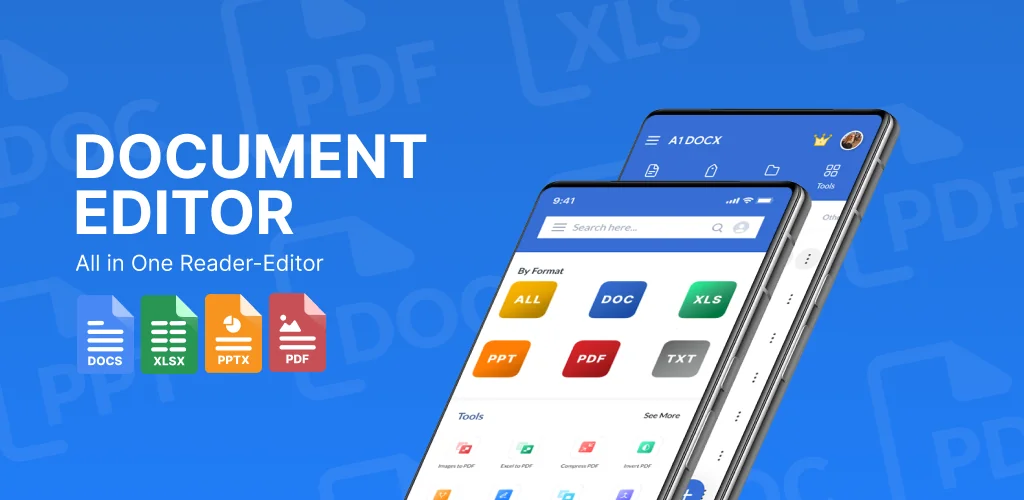
Office App-Edit Word, PDF file is an office document editor that opens Word, Excel, PowerPoint, and PDF files without forcing you to juggle three separate apps. That's the pitch, and after poking through doc, docx, xls, xlsx, ppt, and PDF files on one phone, it mostly holds up.
Every file type lands in the same file browser, sorted by name, date, or size. Tap a document and it opens straight into a reader with annotation tools layered on top: highlight a line, draw a note in the margin, change the font. Everything works offline too, so editing a Word file on a train with no signal isn't a problem.
Key Features:
- Opens and edits doc, docx, xls, xlsx, ppt, and PDF files from one screen instead of switching apps.
- Converts files between formats, including txt and images to PDF, plus PDF to Docx conversion.
- Lets you highlight, annotate, draw, and adjust font styles and sizes directly inside a document.
- Manages files with renaming, deleting, sharing, and a recent tab for quick access.
- Works fully offline, so you can read, edit, and create Word documents without a connection.
converting pdf to word on android
Converting between formats sits at the center of what this app does. Drop in a docx, xls, xlsx, ppt, or txt file and it outputs a PDF, which covers most "I need this as a PDF right now" moments before an email or submission. Going the other way, from PDF to Docx, means a scanned contract or a downloaded PDF form becomes editable text instead of a dead end. There's no mention of batch conversion, so it looks like one file at a time.
other office document reader apps
Set against something like Microsoft 365, which bundles cloud storage and collaboration tools into a full productivity suite, Office App-Edit Word, PDF file stays narrower: open a file, edit it, convert it, move on. WPS Office leans into advanced PDF processing with cloud sync built in. Office App-Edit Word, PDF file doesn't try to match that scope; its appeal is the offline, single-screen approach for anyone who just wants to view or tweak a document fast without logging into an account first.
Students checking a PDF syllabus between classes, or office workers fixing a typo in a shared doc on the bus, get the most out of this one. It does carry ads and in-app purchases, so expect occasional interruptions and the odd paywalled extra while you work.



Share your experience with other users.