What is Go Fly Drone models controller?
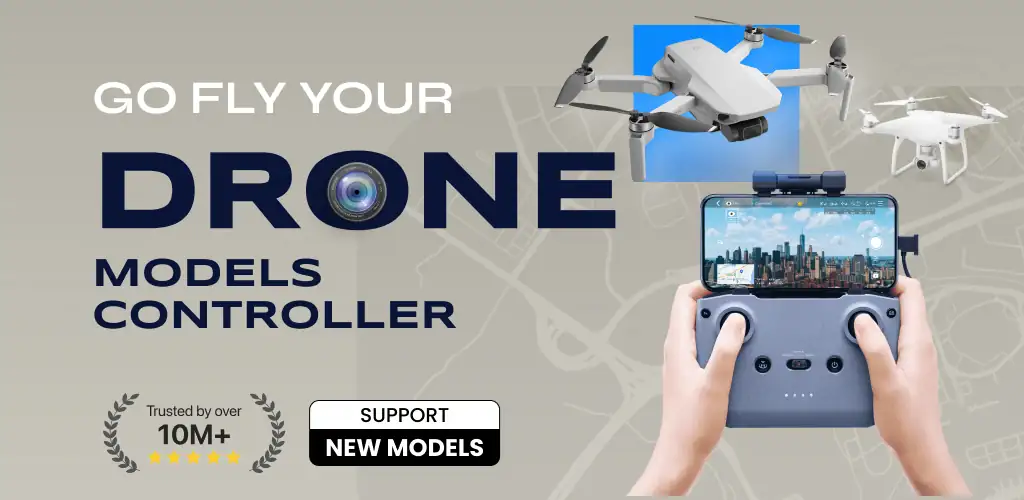
Go Fly Drone models controller is a third-party drone controller application designed to enhance flight and capture capabilities for various drone models. It serves as a comprehensive flight companion, aiming to unlock the full potential of aerial photography and videography.
What is Go Fly Drone models controller?
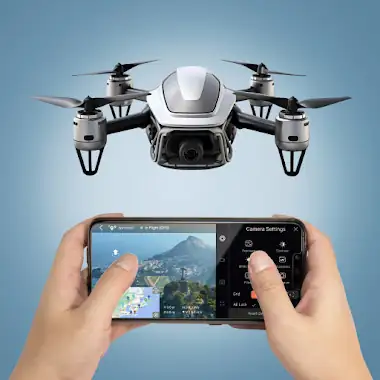
Go Fly Drone models controller functions as an alternative control interface for compatible drones, providing advanced features beyond standard manufacturer applications. It allows users to connect to their drone and manage its flight, camera settings, and mission planning. The app focuses on offering precise control over flight paths and camera operations, catering to both new pilots learning the basics and experienced users seeking more granular command over their aerial equipment. It operates as a support application, not an official product from drone manufacturers.
Key Features:
- Waypoint Missions: Plan intricate flight paths by setting multiple waypoints, allowing the drone to execute complex automated routes for precise data collection or cinematic shots.
- Panorama Capture: Automate the process of capturing wide-angle or vertical panoramas, stitching multiple images together for a complete 360-degree view.
- Focus Mode: Gain dedicated control over the drone’s yaw axis and gimbal movement, enabling pilots to concentrate solely on framing and capturing specific subjects without distraction.
- Smart Flight Modes: Access a range of pre-programmed flight patterns that simplify complex maneuvers, making advanced aerial videography more accessible.
- Intuitive User Interface: Presents a clear and expansive camera view alongside accessible controls, designed for straightforward operation during flight.
- Image and Video Export: Facilitates direct export of captured media, streamlining the workflow from drone to editing or sharing platforms.
Advanced Drone Flight Capabilities
The application distinguishes itself through its advanced flight and capture modes. Waypoint Missions allow for highly detailed pre-flight planning, where users can define exact coordinates, altitudes, and camera actions at each point. This is particularly useful for mapping, surveillance, or repeatable cinematic sequences. The Panorama Capture feature automates the often-challenging process of creating immersive aerial panoramas, ensuring consistent overlap and alignment. Furthermore, Focus Mode provides a specialized control scheme, isolating gimbal and yaw adjustments to help pilots achieve critical framing for photography and videography, minimizing unintended movements.
Go Fly Drone models controller vs similar apps
Compared to official manufacturer apps like DJI Fly, Go Fly Drone models controller offers a different approach, often providing more in-depth control over specific advanced functions. While DJI Fly prioritizes ease of use and integrates tightly with its ecosystem, Go Fly Drone models controller aims to provide a robust set of tools for pilots who require detailed flight planning and specialized camera controls. For users familiar with third-party apps like Litchi, Go Fly Drone models controller competes in the advanced waypoint mission space, offering an alternative interface and feature set for complex automated flights. It is best suited for users who find official apps too restrictive for their creative or operational needs.
Go Fly Drone models controller is ideal for drone operators seeking extended control over flight planning and camera functions beyond what standard manufacturer applications offer. However, it is important to note that certain features for Mavic users, such as Low Battery Warning, Critical Low Battery Warning, and Gimbal Mode settings, are not currently supported within the app.



Share your experience with other users.