What is Themely?
If you’re tired of your Android phone looking like everyone else’s, then listen up: Themely - Icons & Widgets isn’t just another customization tool; it’s the only one I’ve found that truly lets you build a phone screen that feels like you, right down to the glowing neon app icons. I used to scroll endlessly, trying to piece together a cohesive look from different apps, often settling for something “good enough.”
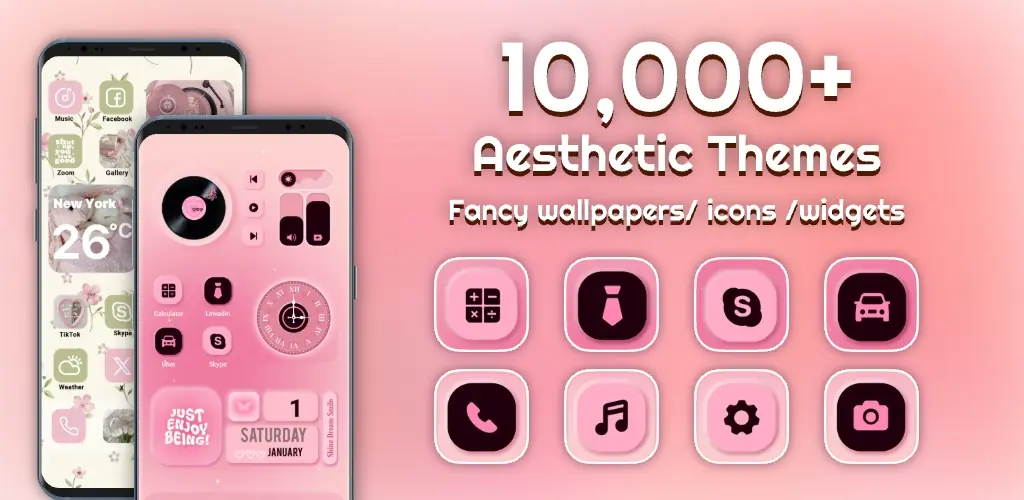
That frustration of a mismatched home screen? Gone. This app is a treasure trove of personalization. It pulls together everything you need to transform your device, from your lock screen to every single app icon. You get access to over 10,000 live 3D themes and aesthetic HD wallpapers, making it incredibly easy to find a style that clicks with your mood, whether you’re into cute, K-pop, or sleek neon vibes. Where other apps stop at basic themes, this one empowers you to get truly creative.
The real magic happens with the DIY options. Want a battery widget that actually looks cool and shows live power info? You got it. You can even create dynamic photo widgets or customize control panels, calendars, and clocks. And those app icons? Forget the defaults. You can tweak social media icons with different fonts, colors, and even transparency, giving them a distinctive neon glow. It’s super satisfying to see your phone finally reflect your personality.
Key Features
- Live 3D Themes & HD Wallpapers: Instantly transform your phone’s vibe with thousands of unique visual styles and aesthetic backgrounds.
- Custom DIY Widgets: Get practical info like live battery levels, dynamic image effects, and fun tools like calendars, all tailored by you.
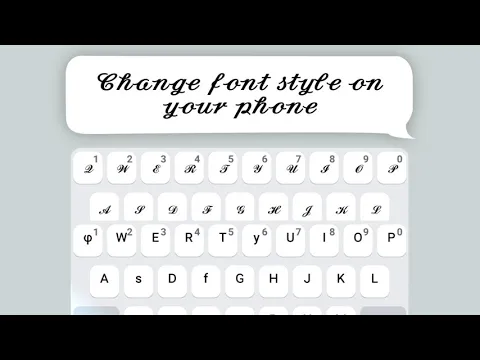
- Creative DIY Icons: Make every app icon, including social media, match your aesthetic with custom colors, fonts, and a cool, stand-out neon glow.
Ready to ditch the boring and embrace a phone that’s uniquely yours? Stop settling for generic Android screens. Grab Themely - Icons & Widgets now and start building the personalized digital space you’ve always wanted.



Share your experience with other users.