What is Control Widget: Theme & Panels?
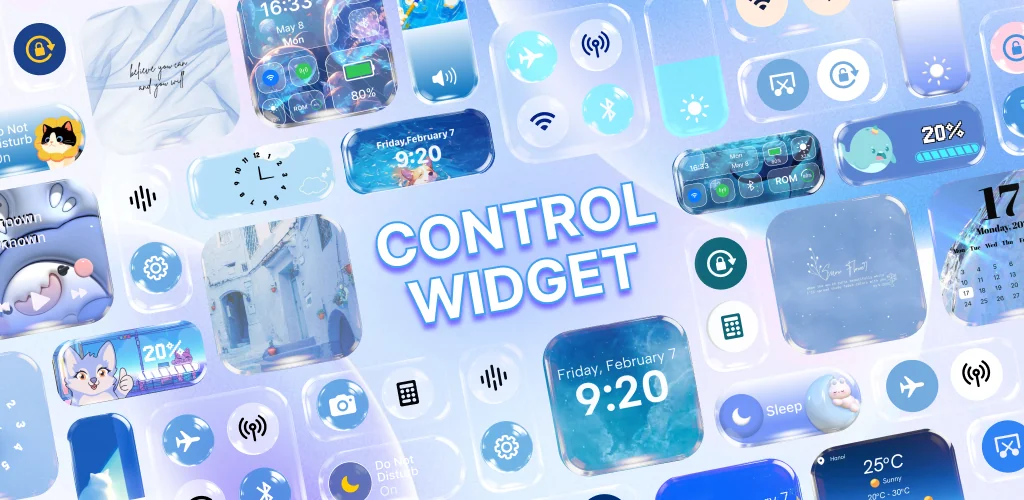
Control Widget: Theme & Panels is a personalization app that replaces Android's default quick settings panel with themed layouts you actually want to look at. Instead of gray tiles and system defaults, you get over 200 visual styles that sync with your home screen setup.
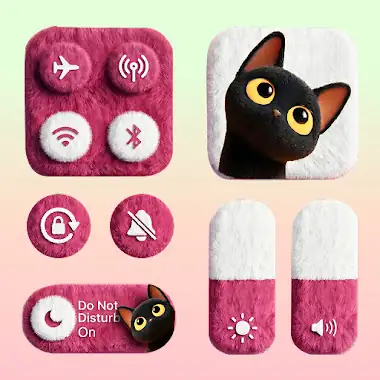
Pick a theme that matches your wallpaper, apply it, and your brightness slider, Wi-Fi toggle, and volume controls show up wrapped in anime art, neon gradients, or minimalist glass panels. The app repositions Android's accessibility layer to display your chosen design whenever you swipe down, so the shortcuts themselves stay functional while the look changes completely.
Key Features:
- Browse 200+ themed designs covering anime, K-pop, aesthetic, minimalist, neon, gradient, and cartoon styles.
- Shortcuts handle the usual suspects: Wi-Fi, Bluetooth, Airplane Mode, brightness and volume adjustment.
- Device tools like flashlight, screenshot, and screen recording appear when your Android version supports them.
- Layouts stay adjustable so you can swap themes whenever your wallpaper or icon pack changes.
- The app uses Accessibility Services to manage panel display and execute the actions you tap.
Customization options
You're not stuck with one aesthetic. Soft pastels, bold neon, frosted glass, flat cartoon shapes: the library covers enough ground that most setups find a visual match. Swap between them whenever a wallpaper change makes the current theme feel off, and the panel updates without touching your shortcuts or their order.
Other personalization apps
Power Shade lets you replace the notification shade with a custom layout and color scheme, giving you control over the entire dropdown. Mi Control Center splits quick settings from notifications and applies a layout style inspired by MIUI. Control Widget: Theme & Panels focuses on themed quick settings panels without altering notification behavior, so you get a visual refresh that leaves the rest of the system alone.
This suits anyone who customizes their home screen and wants the quick settings panel to match. Feature availability depends on your device model and Android version, so some tools may not appear if your system blocks the necessary permissions.



Share your experience with other users.